
TWO-WAY TEXTING FOR SALONS
Stay Connected, Stay in Control of Your Day
DaySmart Salon’s two-way texting is designed for seamless, one-on-one communication. Instead of juggling phone calls or sharing your personal cell, manage every client conversation directly within the software to protect your privacy and stay on schedule.



Real-time chat that protects your privacy and your schedule
Professional Boundaries
Client communication stays within your salon management software, so you never have to share your personal cell number. Maintain a professional image while providing the instant responsiveness today’s clients expect.
Real-Time Updates
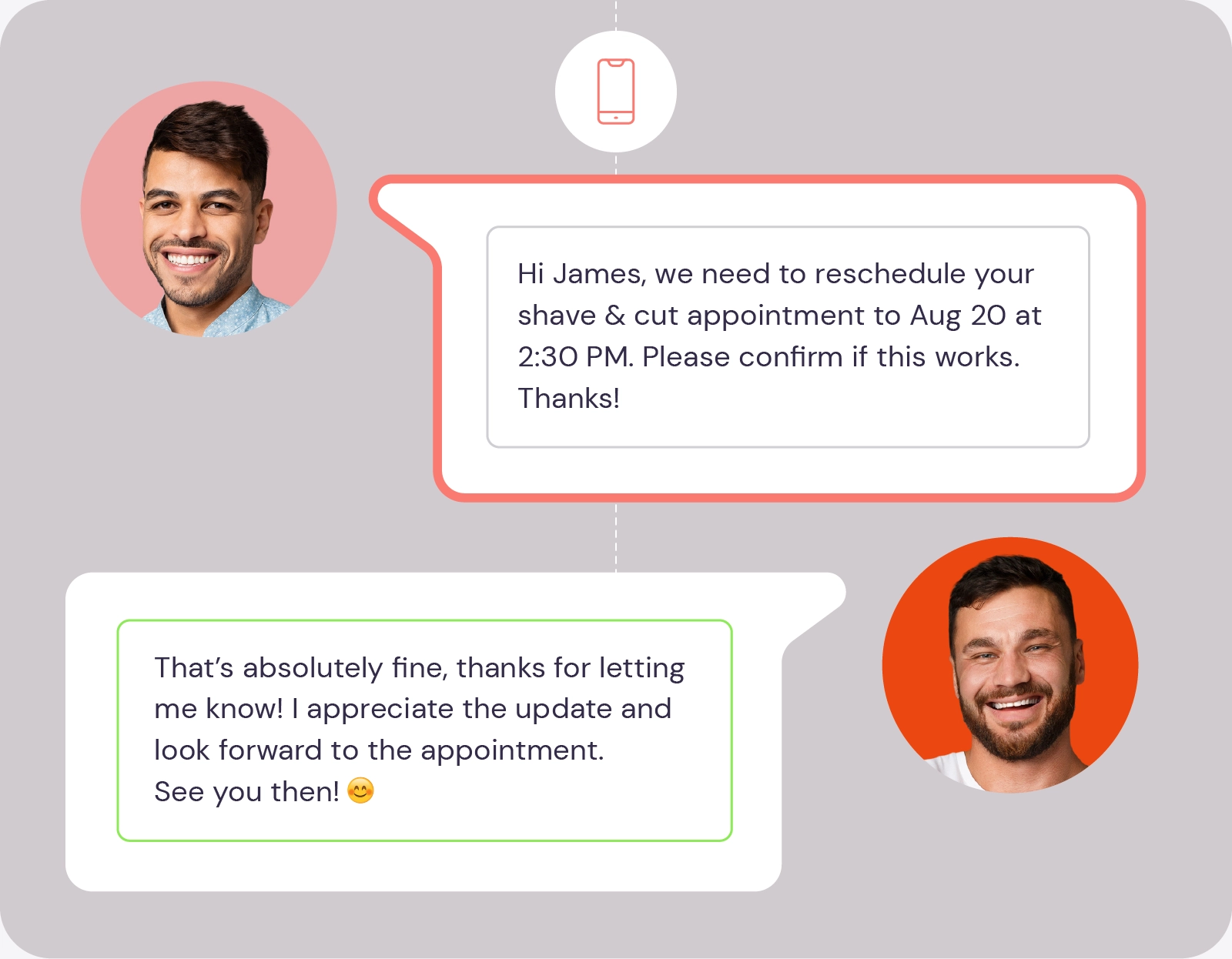
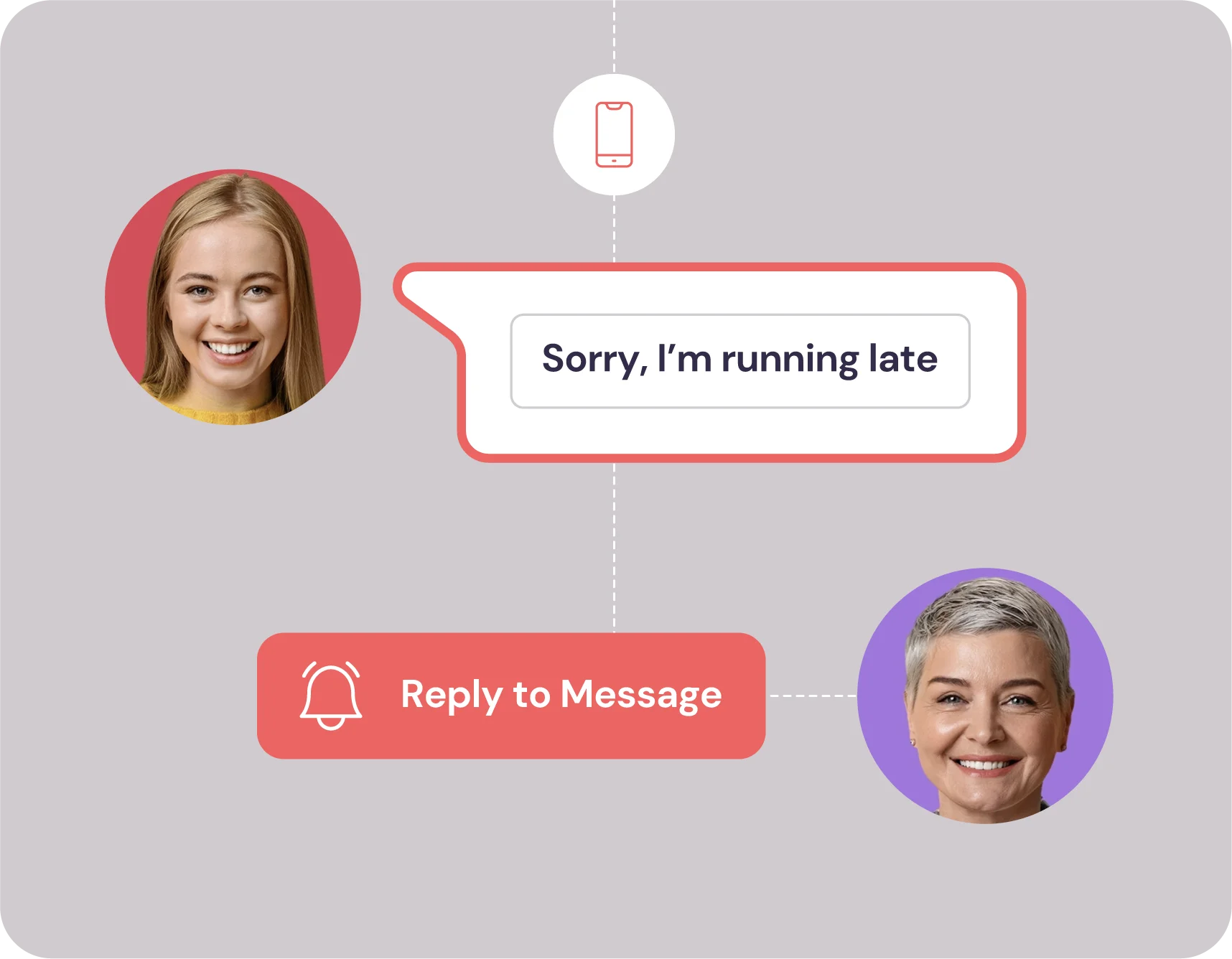
Running behind? Send a quick text from your station without picking up the phone. Smooth communication keeps the front desk quiet and helps your team stay on track without the stress of a crowded waiting area.
Messaging That Fits Your Day
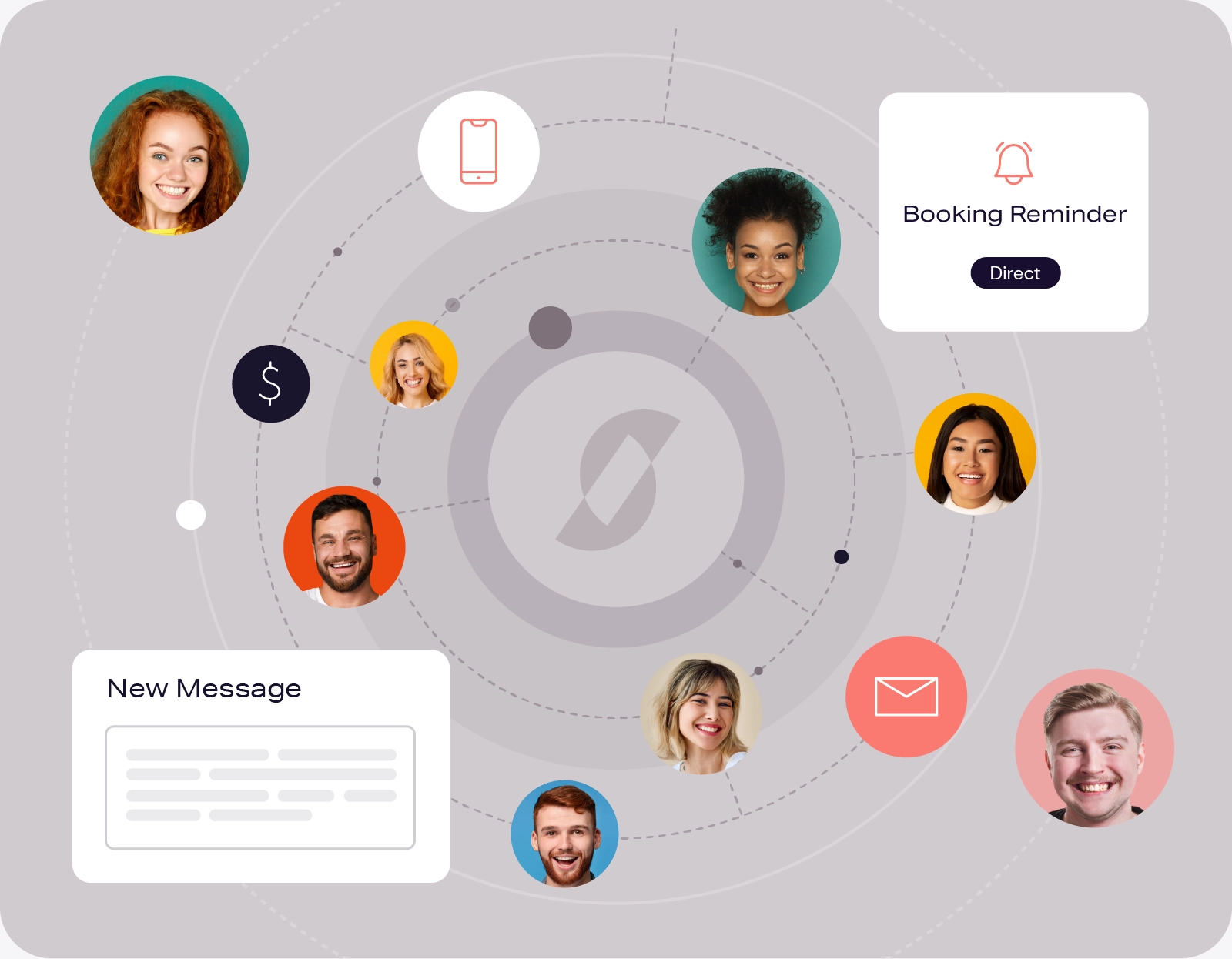
Clients can send appointment requests or questions via two-way texting whenever suits them. You can respond between services or at the end of the day, making it convenient for them and non-disruptive for you.
Consultation Before the Chair
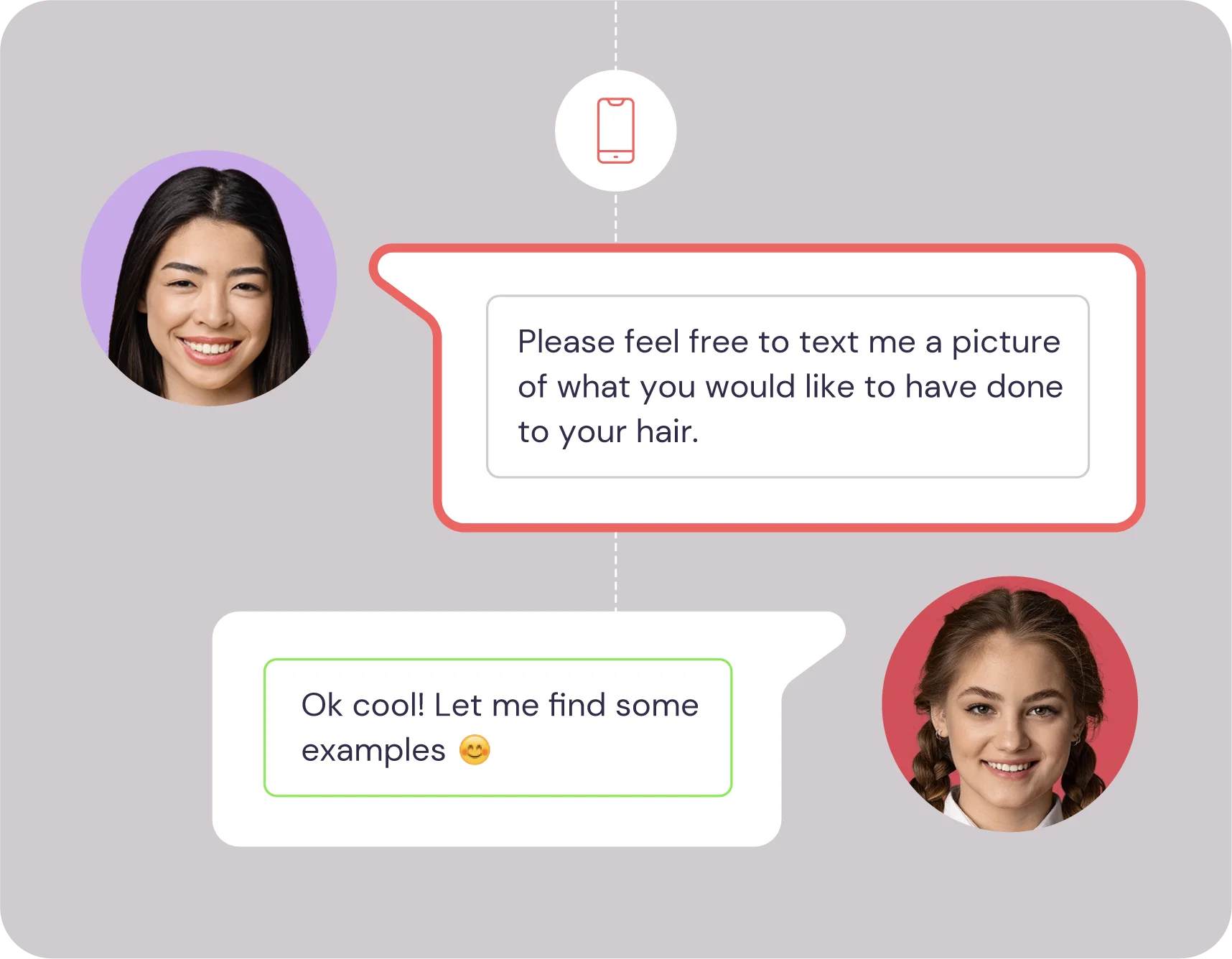
Clients can send inspiration photos, so you know what to expect before they sit in your chair. Having these images in advance prevents miscommunication and allows for a much smoother appointment from the start.

“You have to find the tools that are going to help you establish the building blocks to be a better version of yourself. Using DaySmart is so important, it’s a building block for your clients to be like “oh hey! I have an appointment with Tony in 2 days, that’s so exciting!”
Tony Barnes, Owner of Jayden Grey Salon
Streamline Your Day with Powerful Salon Business Tools
See how our salon scheduling software keeps your day running smoothly.
Frequently Asked Questions
Your number stays private. All messages are sent through DaySmart Salon’s built-in system. Clients reply in the same thread, but you manage everything from the software, keeping your personal and professional lives completely separate.
Yes! Clients can text inspiration photos or current hair “before” shots directly to your business line. These images are saved to the client’s profile, making it easy to reference them during the consultation.
While our text and email marketing feature is built for sending mass promos or newsletters to your entire database, two-way texting is designed for one-on-one conversations. It’s perfect for quick questions, appointment updates, or individual check-ins.
Real-time confirmations protect your revenue. Beyond simple reminders, two-way messaging allows clients to confirm or reschedule instantly. By providing an easy-to-use channel, you build a more reliable schedule and fewer empty chairs.
Absolutely. You can send and receive texts through the DaySmart Salon app, giving you the flexibility to stay in touch with clients whether you are at your station, in the back room, or on the go.
You are in total control. You can set up automated “away” messages to let clients know when you’ll be back in the chair, ensuring they get a response without you having to work around the clock.