
Why Google Business Profiles Matter for Pet Businesses (and How to Keep It Working for Your Grooming Business)
When consumers search for services like “dog groomer near me,” Google usually shows a short list of nearby businesses right at the top. That list comes from Google Business Profiles.
If you run a grooming business, your Google Business Profile is often the first thing new clients see. Before they visit your website or call you, they’re checking your hours, reading reviews, and looking at photos. If your profile is out of date, or missing altogether, you may be losing bookings without realizing it!
Let’s break down why your Google Business Profile matters and how to keep it working for you, without turning this into a marketing lesson.
Why Google Business Profiles Are Essential for Pet Businesses
1. It Helps Local Pet Parents Find You
Your Google Business Profile tells Google where you’re located and what services you offer. When someone nearby looks for a pet groomer, Google uses this information to decide who shows up first.
A complete profile makes it easier for:
- New clients to discover your business
- Existing clients to find your hours or phone number
- Google to trust that your business is active and legitimate
Helpful tip:
If your hours, address, or phone number are wrong, Google may show someone else instead.
Google Business Profiles play a central role in local SEO. According to Google, businesses with complete and accurate profiles are more likely to appear in relevant local search results and on Google Maps.
Source: Google Business Profile Help
https://support.google.com/business/answer/7091
For pet businesses operating in competitive markets, actively managing your profile is essential for standing out.

What exactly is SEO?
SEO, or search engine optimization, acts as a set of clues that help Google understand your business. The clearer those clues are, the easier it is for the right people to find you when they’re looking for services like yours. A little SEO helps point pet parents in your direction instead of sending them to a competitor down the street.
2. It Builds Trust Before Someone Ever Calls
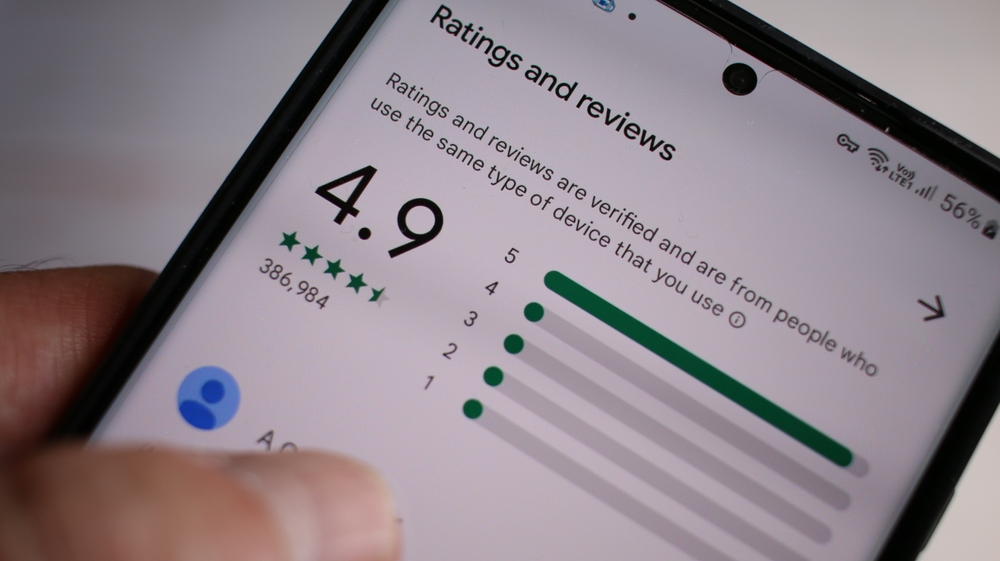
Most people won’t book a groomer without doing a quick check first. Online reviews are one of the strongest trust signals for local businesses. BrightLocal reports that 87% of consumers read online reviews for local businesses, with Google being the most trusted review platform.
Source: BrightLocal – Local Consumer Review Survey
https://www.brightlocal.com/research/local-consumer-review-survey/
Your Google Business Profile gives potential customers quick access to:
- Ratings and reviews from other pet owners
- Photos of your space and quality of work
- Basic info such as business hours, services, and contact information
Seeing real feedback and recent photos helps people feel comfortable reaching out.
Want more guidance on improving local visibility for your pet business?
Explore marketing tools and resources designed for grooming, boarding, and daycare businesses.
3. It Makes Booking Your Services Easier
Google Business Profiles are designed to convert searches from potential customers into immediate actions. By having your information up-to-date, customers can:
- Call your business
- Get directions
- Visit your website
- Send messages
Google research shows that local searches frequently result in action within 24 hours, making GBP one of the most effective channels for attracting new clients.
Source: Google Think Insights
https://www.thinkwithgoogle.com/consumer-insights/local-search-behavior/

Want help keeping things organized once clients find you?
DaySmart Pet helps pet businesses manage scheduling, customer communication, and follow-ups that support stronger engagement and repeat bookings.
4. They Support Reputation Management
Your Google Business Profile serves as a central hub for reviews and public feedback. Responding to reviews demonstrates that your business is current and engaged with current and potential customers, showing professionalism and accountability. These actions can positively influence both how you appear in a Google search (referred to as SEO or search engine optimization) and customer perception.
Source: Moz – Local SEO Ranking Factors
https://moz.com/learn/seo/local-ranking-factors
Tip:
Need help getting more reviews? Asking happy clients to leave a review right after their appointment works better than waiting weeks later.
Responding to reviews is important, but generating them consistently has an even greater impact. DaySmart Pet supports automated follow-ups and customer communication, making it easier to collect reviews over time.
How to Optimize Your Google Business Profile for Pet Businesses
START HERE:
Claim and Verify Your Profile
Claiming and verifying your profile confirms ownership and unlocks full access to profile management tools and insights.
Get started here: https://www.google.com/business/
Once you have your business profile set up, then follow these steps to maintain your appearance online:
1. Make Sure the Basics Are Correct
Take a few minutes to check:
- Business name
- Address or service area
- Phone number
- Website
- Hours (including holidays)
This small step can prevent missed calls and frustrated clients.
2. Choose the Right Business Type
Make sure your profile clearly says what you do, such as:
- Dog groomer
- Mobile pet groomer
- Pet grooming salon
This helps Google show your business to the right people.
Secondary categories may be added where relevant, but accuracy is more important than quantity.
3. Write a Simple Description of What You Do
You don’t need fancy wording. Just explain your services in plain language.
Example:
“We provide professional dog grooming services in [City], offering safe and reliable care for dogs of all sizes.”
Avoid overly promotional language or “keyword stuffing” (putting as many keywords as possible in your description to try and cover every possible area). This can actually hurt how your business ranks online, and it may confuse or turn away potential customers.
Clear is better than clever.
4. Upload High-Quality, Current Photos
Photos help people feel familiar with your business before they walk in. Google reports that businesses with photos receive more engagement, including more website clicks and direction requests.
Source: Google Business Profile Help
https://support.google.com/business/answer/6103862
Recommended photos include:
- Facility exterior and interior
- Grooming or boarding areas
- Staff providing services
- Recent, well-lit images
You don’t need professional photos—clean, well-lit phone photos are perfect.
5. Check In Every Now and Then
Google encourages businesses to respond to reviews as part of best practices. In your business profile, you can see:
- How many people viewed your profile
- How often they called or asked for directions
- Any reviews clients may have left
You don’t need to watch this daily. Checking once a month is plenty.
Encourage satisfied customers to leave reviews and respond to each one professionally and promptly.
Source: Google Review Management
https://support.google.com/business/answer/3474122
6. Use Google Posts to Share Updates
Google Posts allow businesses to publish updates directly on their profiles, such as:
- Service announcements
- Seasonal promotions
- Operational updates
Posting regularly helps keep your profile current and visible in search results.
7. Review Insights and Update Regularly
Google Business Profile Insights provide data on:
- How customers find your business
- Search queries used
- Calls, website visits, and direction requests
Use these insights to refine your profile and update information as needed.
Source: https://support.google.com/business/answer/7689763
A Final Thought
Your Google Business Profile doesn’t need to be perfect. It just needs to be accurate, active, and honest.
A few small updates can make it easier for new clients to find you, trust you, and book with confidence—without adding more work to your plate.
When combined with the right operational and customer management tools, your Google Business Profile can become a reliable driver of long-term growth.
Turn Local Searches into Booked Appointments
Managing your Google Business Profile is more effective when your scheduling, customer communication, and follow-ups work together. DaySmart Pet helps grooming, boarding, and daycare businesses streamline operations while delivering a better customer experience.